
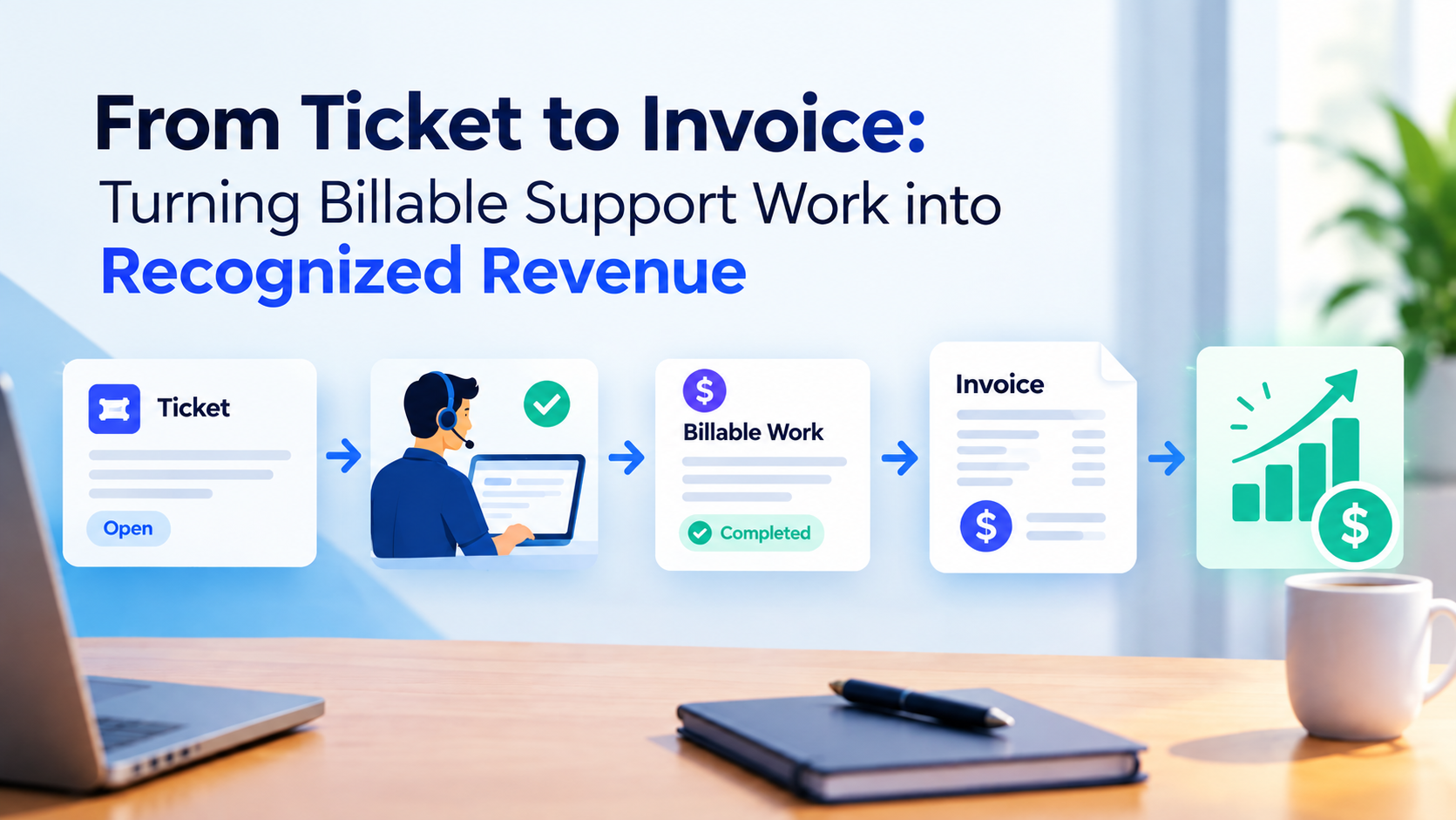
From Ticket to Invoice: Turning Billable Support Work into Recognized Revenue
7 PM tools ranked for professional services. Features, comparison table, and verdict.
Date Posted:
September 23, 2026
Share This:
From Ticket to Invoice: Turning Billable Support Work into Recognized Revenue
Every IT services firm with a support desk knows the problem: engineers work hard, tickets close, clients are satisfied, and then billing time arrives and a significant portion of the work done that month is either missing from the invoice, billed at the wrong rate, or sitting in a dispute because the client cannot reconcile what they received to what they are being charged. The journey from a support ticket to recognized revenue has more failure points than most finance teams realize, and each failure point costs real money. This guide maps every step of that journey and shows you how to close each gap.
Industry data shows the average IT services firm with a separate ticketing and billing system captures 60 to 75 cents of every dollar of billable support work as recognized revenue. The remaining 25 to 40 cents is lost to unbilled hours, rate misapplication, approval delays, and disputes. Closing this gap does not require new clients or higher rates. It requires a connected billing workflow.
The Ticket-to-Invoice Gap: Where Money Disappears
The ticket-to-invoice gap is the set of steps between a support engineer completing work on a client ticket and that work appearing as billed and collected revenue on the firm's P&L. In a perfectly connected system, this journey is automatic and instantaneous. In most IT services firms, it is a manual process with 5 to 8 handoff points, each of which introduces the possibility of error, omission, or delay.
The gap is not a billing team failure. It is an architecture failure: the ticketing system where work happens and the billing system where revenue is recorded do not share a data model, and every handoff between them is a place where billable hours can be lost, mismapped, or delayed past the billing cycle in which they were earned.
The question is not whether your engineers are working billable hours. They are. The question is whether every billable hour they work is finding its way to a client invoice within the same billing cycle it was earned.
Why Support Revenue Gets Lost: The 6 Failure Points
Engineers who close tickets without logging time create unbillable events. Some tools allow ticket closure without time entry. Some engineers batch-log time at end of day or end of week, forgetting tickets from earlier in the period. Any time that is not logged at the ticket level is time that can never be billed.
Work that falls inside a retainer scope is sometimes logged as billable and vice versa. Out-of-scope requests that should trigger an additional charge are logged inside the retainer and absorbed. Classification errors at the ticket level compound into significant billing inaccuracies by invoice time.
When hours are transferred from the ticketing system to the billing system manually, they often arrive without the billing rate context from the client contract. The billing coordinator applies a default rate, which may be lower than the contracted rate for that service tier, client, or incident type.
Hours that require manager approval before billing that are not approved before the invoice run miss the current billing cycle. They either appear on the next invoice (a cash flow delay) or are forgotten entirely (a write-off). Approval workflows with no deadline enforcement are a predictable source of delayed revenue recognition.
When hours are manually exported from the ticketing tool and imported into the billing system, data entry errors, truncated exports, and field mapping failures lose a fraction of hours at every transfer. At scale, this fraction becomes a meaningful revenue loss across a portfolio of support contracts.
When clients receive invoices for support work they cannot trace to specific incidents, they dispute the charges. Disputes that are not resolved before the next billing cycle often result in credits rather than collection, converting earned revenue into a write-off. Invoice clarity, backed by ticket-level audit trails, prevents most disputes before they start.
Support Billing Models: Understanding What You Are Billing Before You Bill It
| Billing Model | How It Works | Revenue Capture Challenge | What the Billing System Needs |
|---|---|---|---|
| Retainer / Fixed Fee | Monthly fee covers a defined scope of support. Out-of-scope work is billed additionally. | Ensuring in-scope work stays within retainer budget; capturing out-of-scope additions correctly | Retainer budget tracker; out-of-scope flag at ticket classification |
| Time and Materials | Every hour of support work is billed at the contracted rate per engineer tier. | Capturing 100% of engineer hours; applying correct rate by engineer tier and ticket type | Engineer cost rate mapping; automatic rate application at billing from contract terms |
| Block Hours | Client purchases a block of hours in advance. Hours are drawn down as work is performed. | Accurate block depletion tracking; timely notification when block approaches exhaustion | Block balance tracker with real-time depletion; low-balance alert to account manager |
| Incident-Based | Fixed fee per incident type (P1 fee, P2 fee, service request fee) | Correct incident classification driving the right fee; capturing all incidents in the billing period | Fee schedule by incident type; incident count aggregation for billing period |
| Hybrid | Combination of retainer base plus T&M overage or block hours with overage at standard rate | Correctly applying retainer coverage before charging T&M; tracking overage in real time | Retainer scope rules; automatic overage detection and flagging for client approval |
Classifying Billable vs Non-Billable Work at the Ticket Level
The most important billing decision happens at ticket creation, not at invoice time. Every ticket created in the system should be automatically classified into one of four billing categories based on the client contract:
-
Billable: covered by T&M or incident fee
Work that falls outside any retainer scope and should be billed at the applicable T&M rate or incident fee. The billing rate is assigned at ticket creation from the client rate card in the system. When the ticket closes and time is approved, billing is staged automatically.
-
Retainer: covered by the monthly retainer scope
Work that falls within the defined retainer scope. Hours are applied against the retainer budget. The system tracks how much of the retainer has been consumed in real time, alerting the account manager when consumption approaches the retainer limit so that out-of-scope conversations happen before the overage is delivered, not after.
-
Out-of-scope: additional billing required
Work that falls outside the retainer scope and requires client approval before delivery. The system should flag the ticket as out-of-scope at creation, pause work pending client confirmation, and then track the approved hours to a separate billing line. Delivering out-of-scope work without prior approval is the leading cause of support invoice disputes.
-
Non-billable: internal or warranty work
Work covered by warranty, caused by provider error, or internal quality remediation. These hours are explicitly excluded from billing. Correct classification at ticket creation ensures they are tracked for cost analysis without appearing in the billing queue.
The Ticket-to-Invoice Workflow: Step by Step
| Step | Action | Who | System Output |
|---|---|---|---|
| 1. Ticket Created | Incident or request logged; client contract loaded; SLA tier assigned; billing category set | Client / Auto-intake | Ticket with billing rule, SLA clock running |
| 2. Work Performed | Engineer resolves incident; logs time against ticket at resolution | Support Engineer | Time entry linked to ticket, billing category, and client contract |
| 3. Time Approved | Team lead or delivery manager approves time entry | Team Lead | Approved hours staged in billing queue |
| 4. Billing Rule Applied | System applies billing rate from contract (T&M rate, retainer deduction, incident fee) | System (automatic) | Billing line created with amount, rate, and billing period |
| 5. Invoice Compiled | All approved billing lines for the period aggregated into draft invoice | System (automatic) | Draft invoice with line-item breakdown by ticket reference |
| 6. Finance Review | Finance team reviews draft invoice, approves or adjusts | Finance Manager | Approved invoice ready for delivery |
| 7. Invoice Delivered | Invoice sent to client with ticket-level backup documentation | System / Account Manager | Invoice delivered, AR aging starts |
| 8. Revenue Recognized | Revenue recognized per applicable billing model and accounting standard | System (automatic) | Revenue recognition entry in financial system |
Revenue Recognition for Support Contracts
Revenue recognition for support contracts under ASC 606 and IFRS 15 depends on the billing model. The accounting treatment matters because getting it wrong creates compliance risk and financial statement misrepresentation.
| Billing Model | Revenue Recognition Treatment | Common Error |
|---|---|---|
| Monthly Retainer | Recognized evenly over the service period (straight-line). Pre-billed amounts create deferred revenue until the service period begins. | Recognizing the full annual retainer at contract signing rather than monthly as services are delivered |
| T&M Support | Recognized as hours are worked and approved. The performance obligation is satisfied when the service is delivered. | Batching recognition to invoice date rather than service delivery date, distorting period-level margins |
| Block Hours | Revenue recognized as hours are drawn down from the purchased block. Unused hours at period end may require liability assessment. | Recognizing the full block purchase as revenue immediately rather than as hours are consumed |
| Incident-Based | Revenue recognized when the incident is resolved and the performance obligation is satisfied. | Recognizing revenue at invoice date rather than resolution date, creating timing differences |
Preventing Client Billing Disputes
The best dispute prevention tool is invoice transparency. A client who receives an invoice line for "$4,500 - Support Services - October" and cannot trace it to specific incidents will dispute it. A client who receives the same amount with a line-item breakdown by ticket reference, priority, hours, and resolution date can verify the charge without questioning it.
Every invoice for support work should be accompanied by a ticket summary report showing ticket ID, creation date, resolution date, priority, incident description, hours worked, and billable amount. Clients who can self-verify have no reason to dispute.
Any work that falls outside the contracted retainer scope should be flagged to the client before delivery and confirmed in writing before the hours are worked. An email confirmation that a request is out-of-scope with the estimated cost eliminates the dispute before it can start.
Clients on retainer contracts should be able to see their current retainer consumption at any time via a client portal. When a client can see they have consumed 87% of their monthly retainer, they are less surprised by an overage charge than when the overage appears unexplained on the invoice.
Invoices issued more than 10 days after the billing period closing date are harder for clients to reconcile because the service events are no longer fresh. The memory of a P1 incident resolved at 2am on October 5 fades quickly. An invoice issued on November 15 for October services generates more disputes than one issued on November 5.
KEBS eliminates every manual handoff in the ticket-to-invoice workflow. When a ticket is created, the client contract is loaded automatically and the billing category is set from the contract rules: billable, retainer-covered, out-of-scope, or non-billable. Engineer time logged against the ticket is immediately staged in the billing queue with the correct rate applied from the system rate card. No export, no import, no rate lookup.
When time is approved by the team lead, KIA (KEBS Act) moves the approved hours to the billing queue and aggregates them with all other approved support hours for the billing period. At invoice time, the system compiles the draft invoice with ticket-level line items, applies any retainer deductions or block-hour drawdowns, and generates the backup documentation for client delivery automatically. Finance reviews the draft, approves, and the invoice is delivered with full ticket-level transparency.
Revenue recognition is automated based on the billing model: retainer revenue is recognized monthly as services are delivered, T&M revenue is recognized as hours are approved, and block-hour revenue is recognized as hours are drawn down. The revenue recognition schedule in KEBS updates continuously from delivery events rather than at period close, providing finance teams with a real-time view of recognized vs. deferred support revenue across the entire client portfolio.
For managed service providers and IT services firms delivering support contracts to multiple clients simultaneously, KEBS provides the end-to-end billing automation that converts every worked ticket hour into recognized revenue without the manual processes that currently lose 25 to 40% of billable support work in the gap between systems.
Frequently Asked Questions
Capture Every Billable Hour. KEBS Automates Your Ticket-to-Invoice Workflow.
KEBS connects ticket creation, time logging, billing classification, invoice generation, and revenue recognition in one automated flow. No manual transfer. No leakage. Every support hour billed in the right period at the right rate. Rated 4.7/5 on G2.
Book a Free Demo →